
Customization
You never edit a file. The template has two places where you decide things:
| Where | What it decides |
|---|---|
| Appearance › Options (creator panel) | The whole look of the store: hero, categories, links, colours, reviews, features, FAQ |
| The package description of each product | Per-product extras, through short tags: featured, frameworks, video, docs, snippet |
The options modules
Section titled “The options modules”Go to Appearance › Options in the Tebex creator panel.
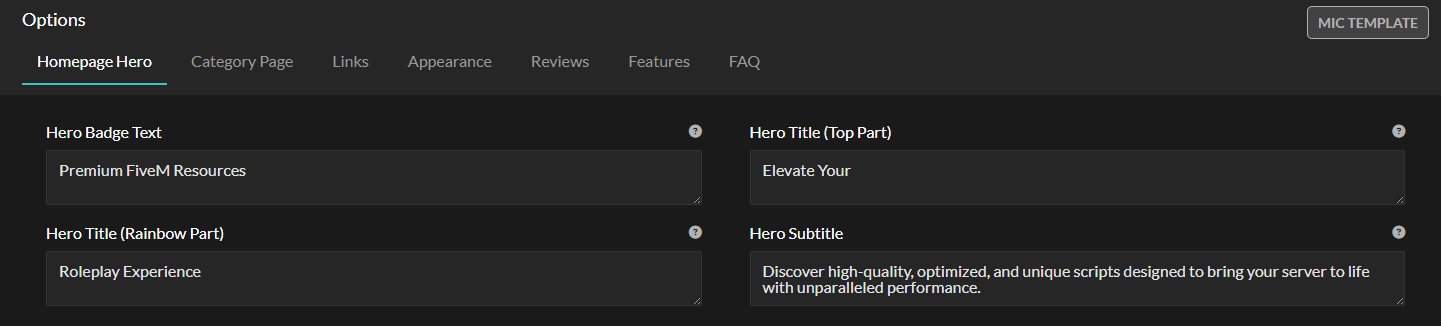
🖼️ Homepage hero
Section titled “🖼️ Homepage hero”The first thing a visitor sees: the main title, the description under it and the background image. Keep the title short — it is the line people read on a phone.
📂 Category page
Section titled “📂 Category page”How your product categories are laid out, so browsing a big catalogue stays easy.

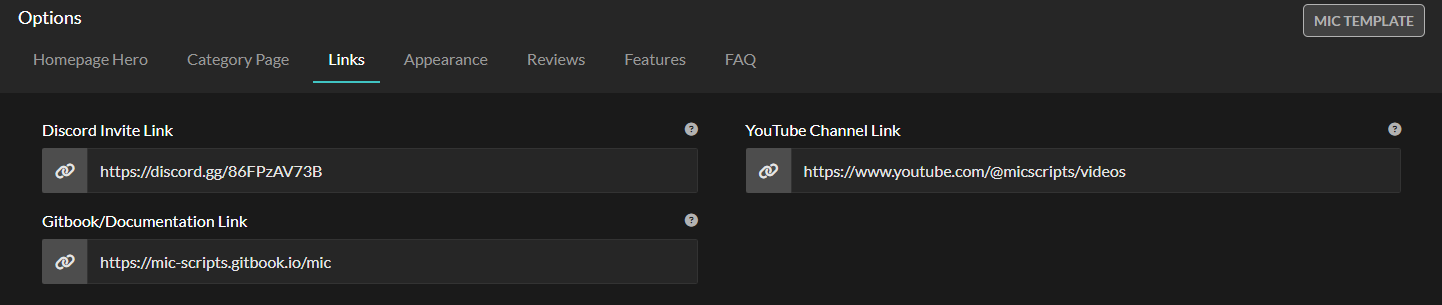
🔗 Links (social media)
Section titled “🔗 Links (social media)”Your Discord, YouTube, TikTok and Documentation links. The buttons across the site update from here.
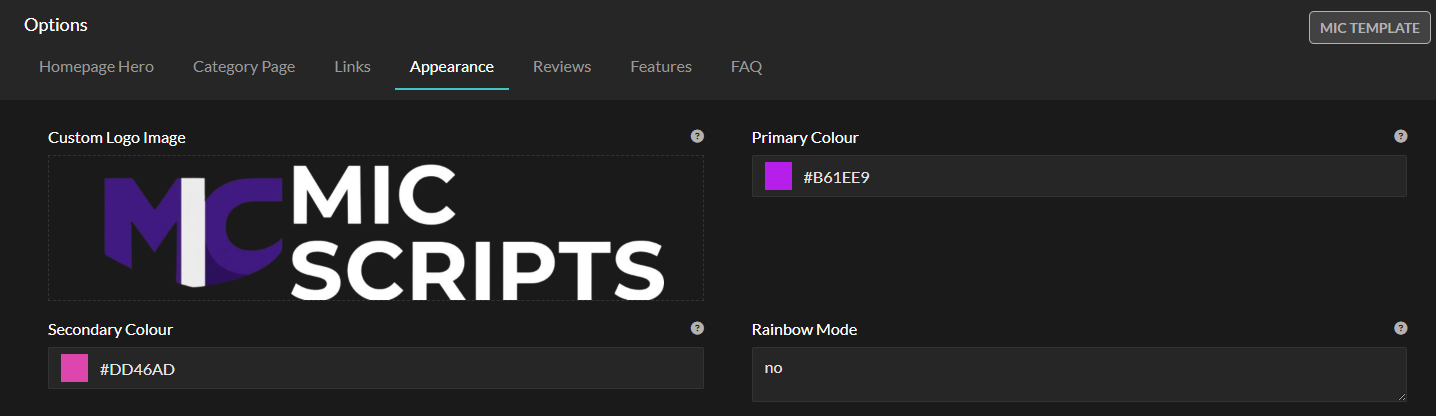
🎨 Appearance
Section titled “🎨 Appearance”The colour palette, logo and general branding, so the store matches your community.
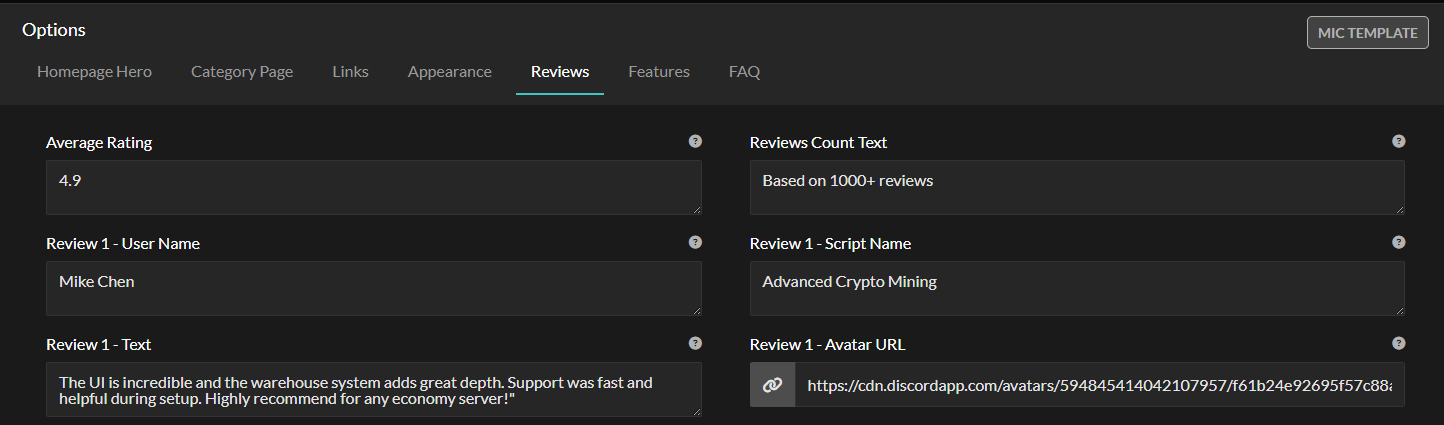
⭐ Reviews
Section titled “⭐ Reviews”The testimonial section: switch it on and write what your customers say about you.
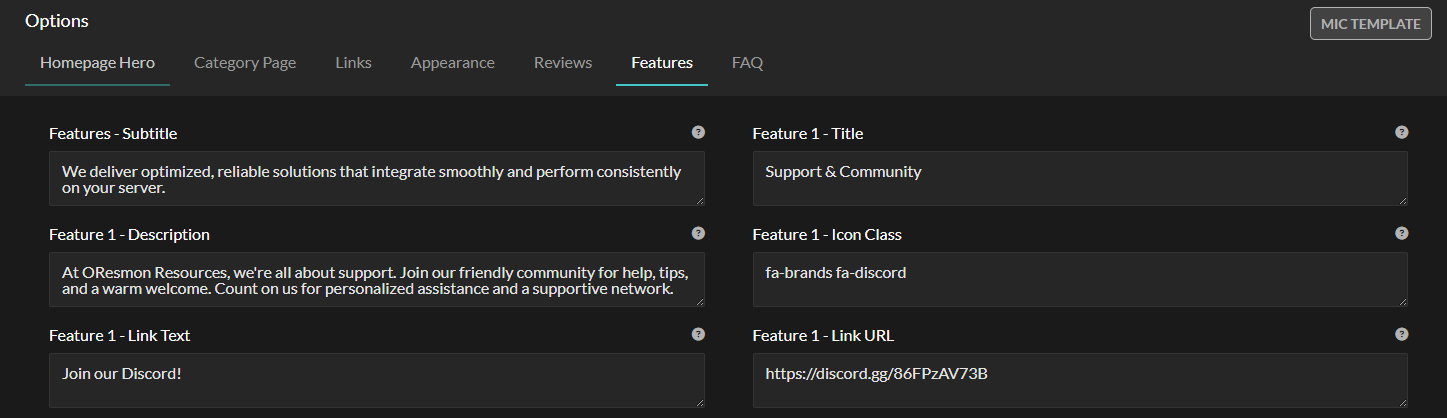
✨ Features
Section titled “✨ Features”Your strongest selling points, each with an icon and a short line.
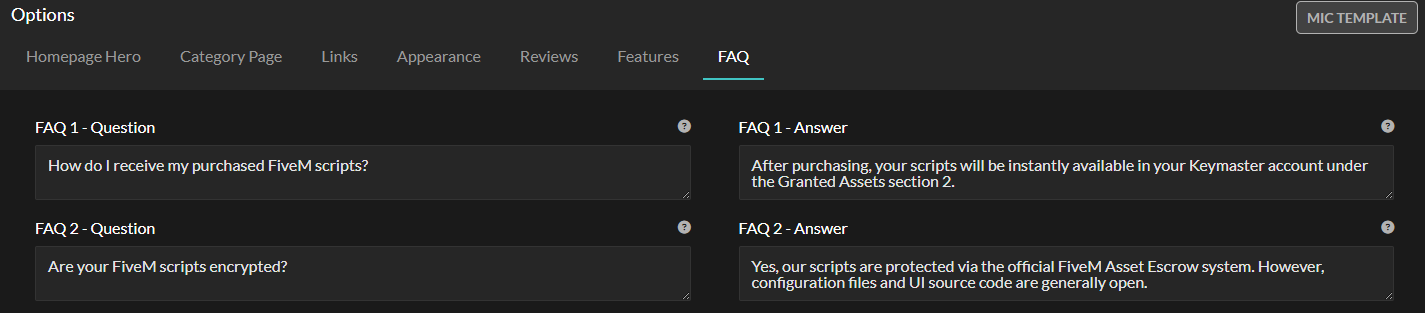
The questions you answer in tickets every week. Every one answered here is a ticket you do not get.
Product tags
Section titled “Product tags”Tags go in a package description. The template reads them and uses them on the product card and page.
| Tag | What it does | Example |
|---|---|---|
| Featured | Puts the product in the store’s Featured section | [featured:yes] |
| Framework | Shows framework badges; list only the ones the product supports | [framework:qbcore,esx] |
| Video | Embeds a YouTube preview on the product page | [video:URL] |
| Documentation | Adds a button to your GitBook or manual | [documentation:URL] |
| Description | The short snippet on product cards, also used for SEO | [description:Short summary…] |